AI WordPress engineering

Ask for the outcome & Get the WordPress work done.

CortexWP AI connects directly to WordPress websites to diagnose, debug, and fix technical issues rather than just giving generic advice.

CortexWP AI WordPress dashboard

Access controls

Choose how much Access is needed.

Start with the safest level of access for the job. You can investigate in read-only mode, then switch to read/write access only when you are ready to approve a change.

Production-safe investigation

Read-only access

Inspect the live WordPress site without changing it. Read-only mode never writes to production, so it is safe for investigation and troubleshooting.

  • Review files, logs, plugins, themes, settings, and database context
  • No updates, writes, configuration changes, or content edits are allowed

Approval-based changes

Read/write access

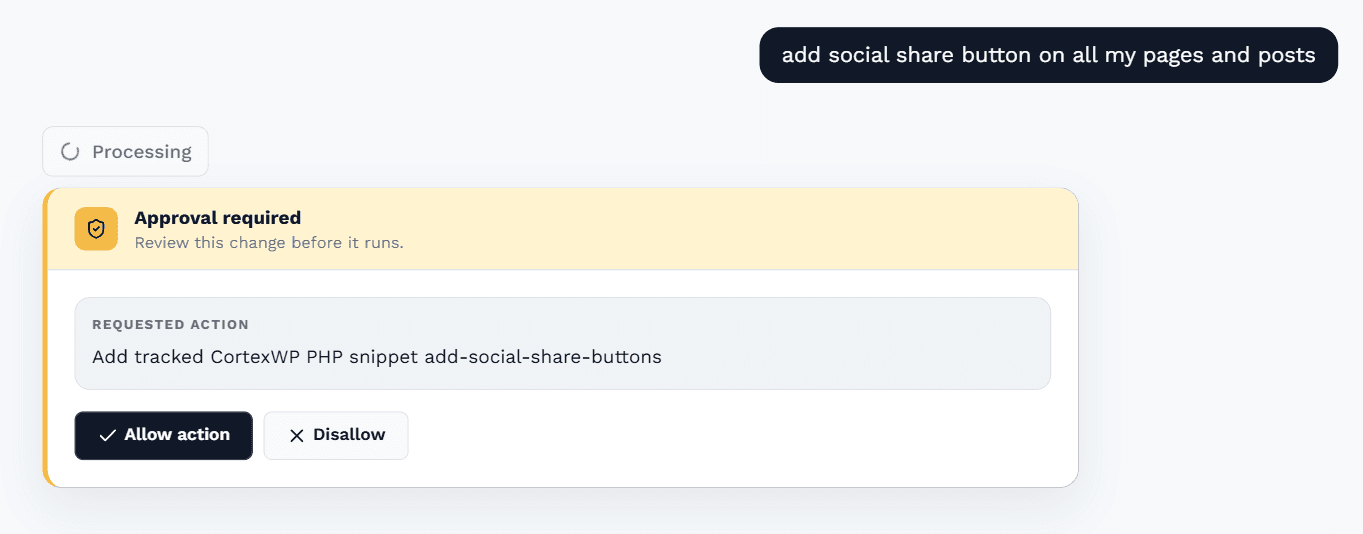
Make approved changes when you want CortexWP to fix or update the site. You see the proposed work before anything runs.

  • Review the exact change and expected impact first
  • Apply only the work you approve, with rollback context when available

WordPress troubleshooting

Fix WordPress problems with the site context in front of you.

Connect your WordPress website and investigate plugin conflicts, PHP errors, slow pages, settings, files, and database issues in one place. CortexWP AI explains what it found, proposes the next step, and applies approved changes when you want it to.

Connects to your WP site

When a checkout breaks or the admin goes white, CortexWP can work from the actual install: PHP errors, active plugins, theme files, WordPress configuration, and the surrounding runtime context.

Production safe

CortexWP AI can inspect, diagnose, update, create, and fix. On Read Only mode, no changes will be made. On Read & Write mode, changes are made only after you have manually approved the action.

Useful for everyday work too

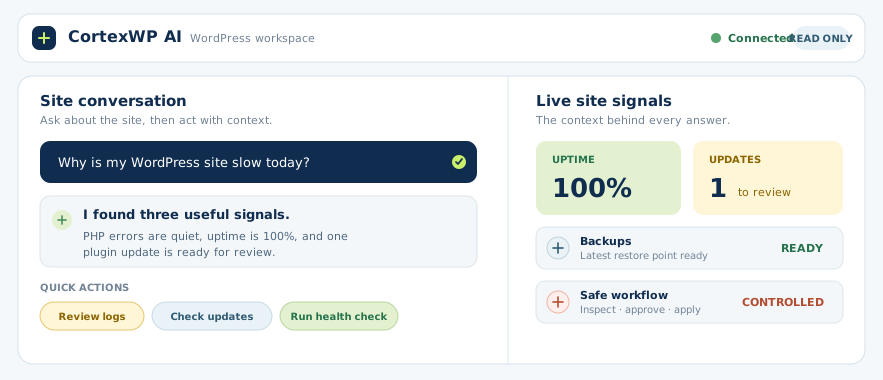
Ask it to update a plugin, review a warning, change a setting, create a small backend feature, or explain why a site is slow. The interface is a conversation, but the result is an action or a clear next step.
Included with this feature

  1. 01Connect with the CortexWP plugin or SFTP/SSH
  2. 02Read logs, files, plugins, themes, settings, and database context
  3. 03Run WordPress operations and prepare code or configuration changes
  4. 04Chat with your site instead of opening five dashboards

In the workflow

Built to be useful on a Tuesday morning.

Every feature has a practical place in the day-to-day work of keeping a WordPress site healthy—not just a checkbox in a feature list.

CortexWP WordPress dashboard with uptime, monitoring, updates, backups, and site essentials

See it on a real site.

Connect a WordPress site, keep the management tools on, and use the AI only when you want help understanding or changing something.

See pricing