20,000 free CortexWP AI tokensNo card needed

Claim

Features

WordPress AI that can actually do tasks on your site.

CortexWP WordPress AI dashboard showing connected-site debugging, logs, approvals, and engineering context

CortexWP AI is built for connected WordPress sites. It inspects real files, logs, settings, DNS signals, plugins, themes, and WordPress state, then proposes concrete actions for approval instead of sending generic troubleshooting steps.

The difference is access.

CortexWP can see the connected WordPress install, inspect the active stack, read relevant files and logs, reason about DNS and runtime state, and ask for approval before doing the work. That is the difference between AI WordPress advice and WordPress AI execution.

Approval-first changes
Real fatal-error evidence
Plugin and theme control
DNS and server context
Redis and cache support
Backend feature work

Capability map

Backend work, debugging, operations, and approved execution.

Emergency debugging

  • Fatal errors, white screens, warnings, PHP notices, and admin lockouts
  • Plugin/theme conflict isolation with exact evidence
  • Broken updates, failed deploys, cron failures, and cache problems
  • Log review across WordPress, PHP, and hosting-accessible traces

WordPress operations

  • Activate, deactivate, delete, update, and audit plugins or themes
  • Work with pages, posts, CPTs, media, menus, settings, and options
  • Put the site into maintenance mode before risky backend changes
  • Explain what changed, why it changed, and what to verify after

Server and DNS context

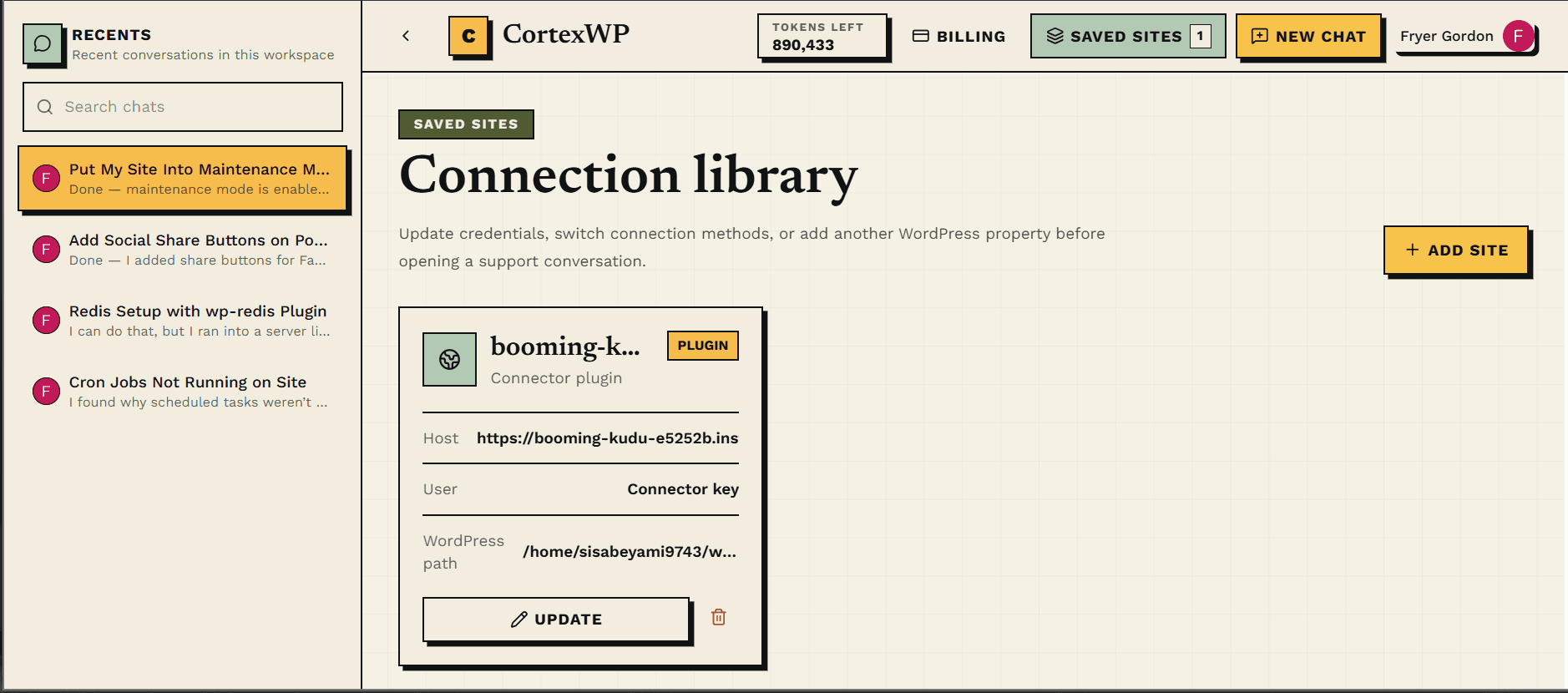
  • Connect over SFTP or the CortexWP connector plugin
  • Inspect filesystem structure, wp-config.php, logs, uploads, mu-plugins, and custom code
  • Check DNS symptoms and identify record-level issues
  • Assist with PHP versions, PHP config, Redis, cache layers, and environment changes where access permits

Build and extend

  • Add backend features, PHP snippets, and focused CSS patches
  • Create safer implementation plans before touching production files
  • Read the site’s real plugin/theme stack before suggesting code
  • Prepare rollback notes and approval details for higher-risk actions

Coming soon

  • Visual website understanding for frontend fixes
  • Page design assistance
  • Cloudflare integration for DNS, cache, and edge debugging
  • Richer visual review loops for frontend changes